
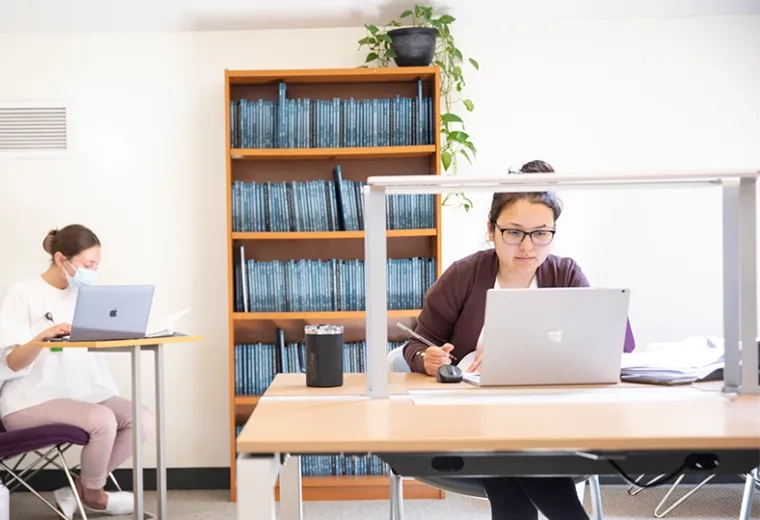
Library
Our librarians can help you find sources when your MGB username and password expire. We love hearing from our alumni, and we encourage you to stay connected with the Institute.
Student Records & Financial Assistance

Center for Career & Professional Development
Help fellow alums by posting a job, or get career help with resume/writing critiques, interview preparation and more.
Technology Access After Graduation
Your D2L Brightspace account remains active for one year after you graduate. Being able to enter the LMS allows you to review course materials and access course syllabi, which are two items you will likely need as a new professional. While your password is not set to expire it is tied to your IHP email; therefore, when your IHP email expires so does your ability to use the Forgot Email/Password function. If you need assistance once your email account has closed, submit a Help Desk ticket.
Your IHP email address remains active for 90 days after graduation, so it makes sense to create a professional email address before you graduate that you can use on employment applications.
Sharing your professional email address with the Alumni Relations Office ensures that you stay current on Institute news and opportunities to engage.
The Exxat software is used for clinical education and student compliance. Your Exxat account turns off after graduation. If you need to access your Exxat information after Commencement, reach out to the Office of Compliance for assistance.
Your IHP issued Microsoft365 OneDrive account closes once you graduate. It is important that you consider this fact prior to graduation and move any important documents to your personal Microsoft365 account or other cloud drive.
While your Zoom account will remain active, post-graduation, you will be bumped down from the ‘Pro’ licensing tier to the ‘Basic’ licensing tier. The only ramification of this really is that you lose the ability to host meetings of unlimited length and will be subject to the 40 minute time limit.