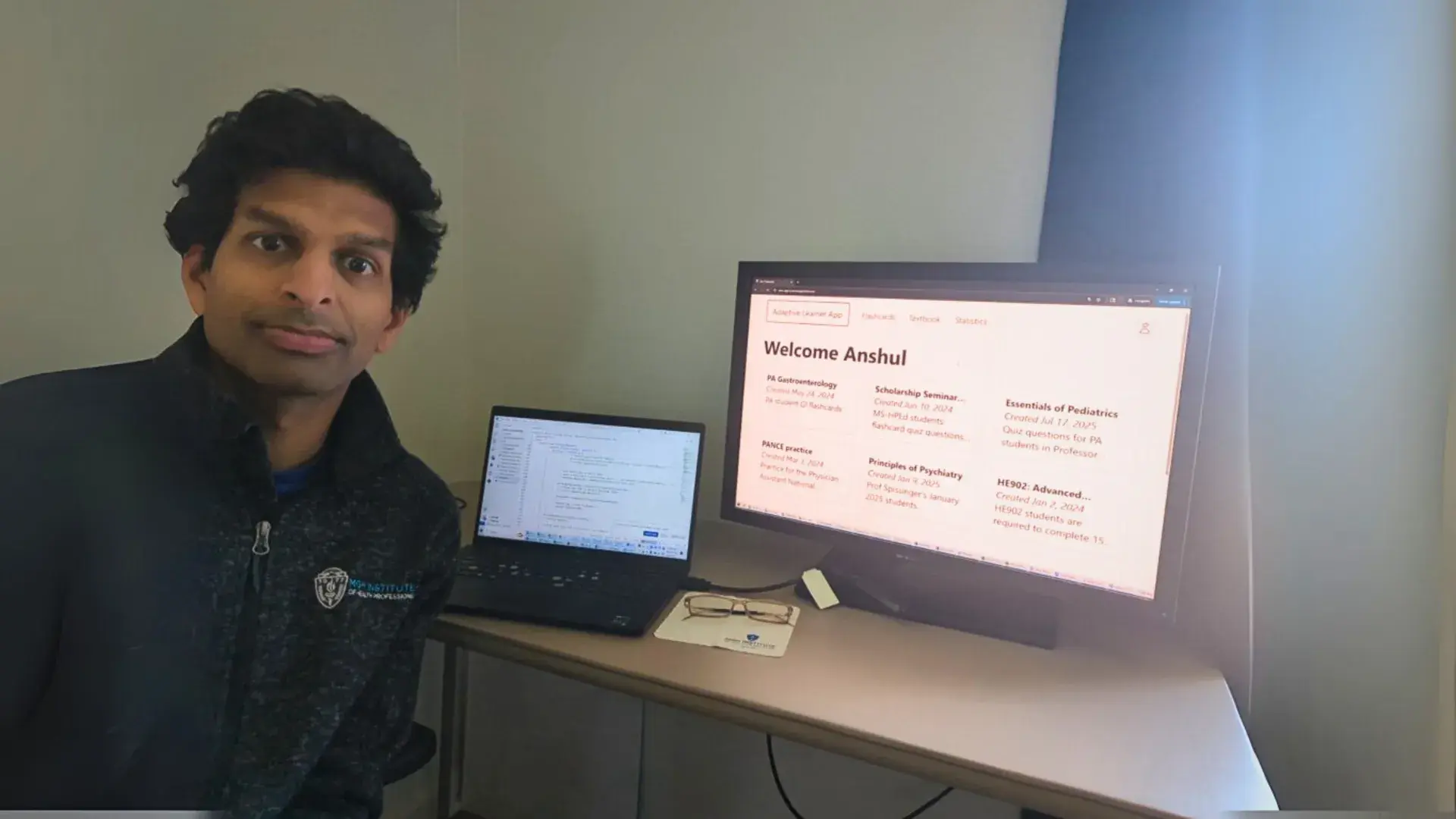
New web app implemented in the PA and HPEd Departments by Brittany Palaski and Anshul Kumar

Flashcards haven’t changed much for a long time. 

Until now. 

Blending the timeless power of flashcards with technology, the new Adaptive Learner App created by Health Professions Education Assistant Professor Anshul Kumar and a team of developers customizes every study session to target what students need to master while providing faculty with valuable data on how well a student is learning.    

The web application follows the traditional flashcard use system; if students get a question wrong, the app will place the digital flashcard in a high-priority pile to review more often. If they get it correct, the app places it in a low-priority pile to review less frequently. 

“Instead of using the physical index cards, we're just handling all of that digitally,” explained Kumar. “The technology behind the scenes is simple. It calculates how many times the student got the question right or wrong, to then do sort of a lottery to figure out which question to ask next based on the priority levels. Even with this random-draw, weighted-lottery approach, the app still seems to be having some positive effects.” 
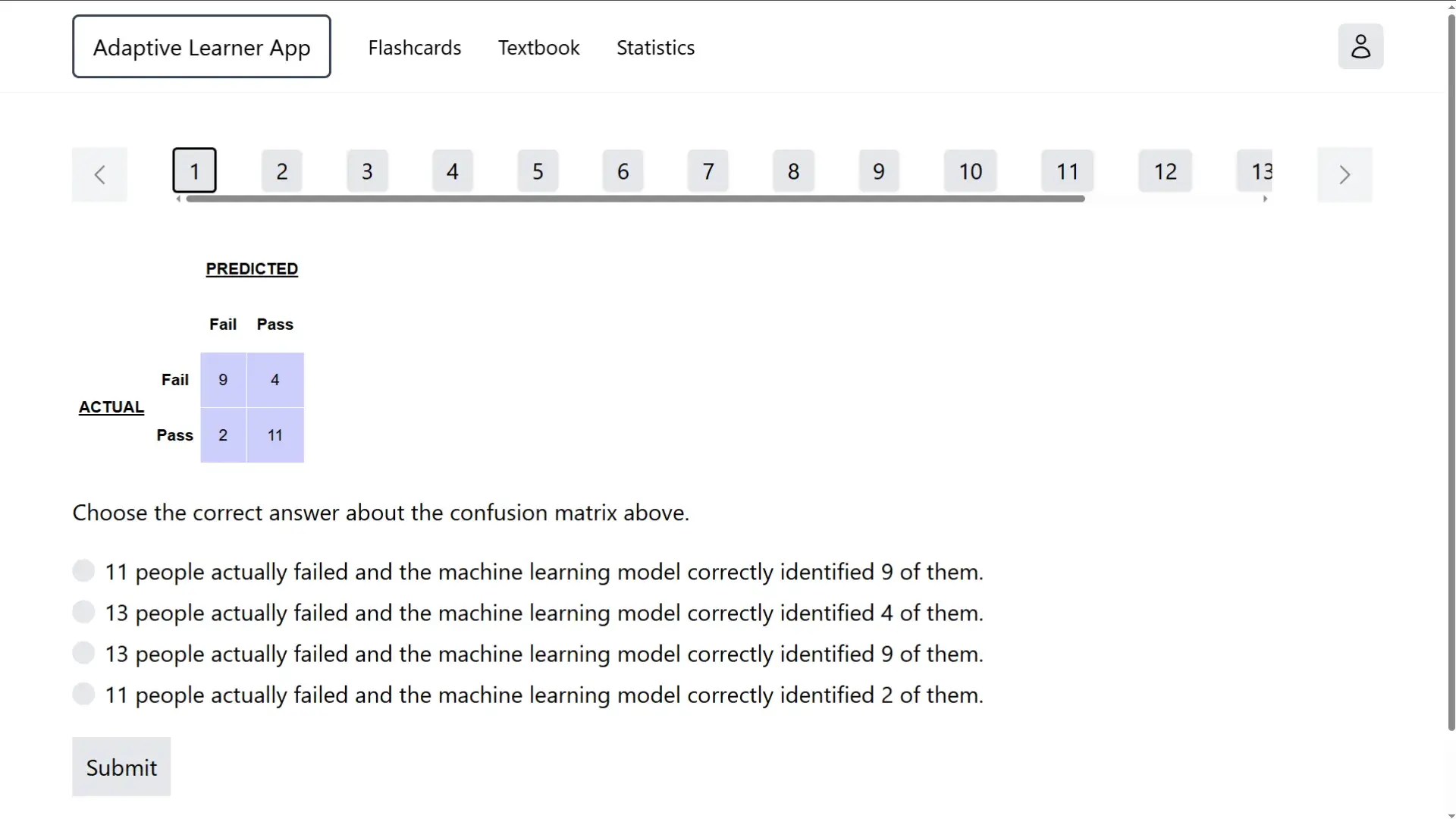
a screenshot of a web app
The Adaptive Learner App does not show students the same flashcard quiz questions. Instead, it shows them questions based on their prior performance and what it thinks that they need to practice more.

While the current web app embraces simplicity, Kumar originally began with a more complex idea. 

"We first started with a fancier predictive analytics machine learning project,” said Kumar. “This app is a move away from that and more towards common sense. I thought, ‘Hey, maybe it's better to just give each student a pile of flashcards on a computer or phone and use them the traditional way, rather than trying to do all these fancy analytics.’" 

Many adaptive learning and spaced repetition platforms already exist, such as Anki, which is widely used in the health professions. However, the Adaptive Learner App stands out by giving teachers full control over the flashcard content and allowing them to track individual and group performance over any time frame. 

“There's a separate instructor version of the app,” said Kumar. “The teacher controls all flashcard questions that students see, and we can upload flashcard questions in a simple format. Our platform sends student performance data back to the instructor, and the instructor can see everything that every student does. They can look at a single student's record. They can look at their entire class’s record, or they can choose a subgroup of their class.”  

Kumar has used his app in both of the PhD classes he teaches in the Health Professions Education Department. When he suggested it to Brittany Palaski, an instructor in the Physician Assistant Studies program, she decided to give it a try. 

“When Anshul originally approached the PA department, he brought a few different samples,” said Palaski. “However, we already have a lot of resources for the Physician Assistant National Certifying Examination (PANCE) studying. So, we thought, ‘How can we use this on more of a program level and within the classes?’ Something we do struggle with is any sort of predictive factors where we can predict how well these students are going to do on the PANCE throughout the didactic year, as opposed to getting closer to the end.” 

Recognizing this challenge, Palaski saw the Adaptive Learner App as a potential tool to help instructors assess student progress on a daily basis. 

“While the students have quasi-PANCE prep programs, they usually find them from outside sources, which means we have no idea what and how they're doing unless we ask them,” shared Palaski. “The benefit of these flashcards from a faculty member level is that I can actually see how they're doing. I can see each question that they are answering, how they are improving upon it, and how many times they get it wrong. It gives me a little more control and allows me to rapidly distribute flashcards with PANCE practice questions to the entire class.” 

a headshot of a woman.
Brittany Palaski, an instructor in the Physician Assistant Studies program, has introduced the web app in four PA classes. Students have given Palaski positive feedback and have requested that the app be used in additional classes.

brittany

The Adaptive Learner App combines adaptive learning and flashcards, using best practices from cognitive science. This makes the app not only beneficial to the way instructors teach, but to how students retain information. 

“The main cognitive science concepts we are leveraging are spaced learning and repetition,” explained Kumar. “The app takes advantage of this concept which some people refer to as spaced repetition. It is this idea of showing students quiz questions over and over again, so they remember it.” 

Since the Adaptive Learner App can be used within a web browser on any desktop or mobile device, students and teachers can use the digital flashcards without installing any apps. This allows students to do practice questions at any time - while commuting or even during a longer, dedicated study session at home. 

“Since the inauguration of the app last summer,” added Palaski, “I've had really positive feedback. Students ask for it in other classes that I'm not involved in, which we haven't been able to do yet, but I think it's been a very positive thing.” 

Though the Adaptive Learner App is fairly new and has just been introduced in four PA program classes, Kumar is optimistic about its future.  

“We want to integrate some more user-friendly features,” he shared. “I also want people to be able to share across the platform more easily, and then maybe eventually even help programs within IHP or even beyond, maybe sharing across programs and across institutions. We’ll hopefully have anyone who wants to use the app use it, and have it be open access.” 

Kumar and Palaski expressed their openness to collaborating with colleagues at IHP and elsewhere who are interested in using the Adaptive Learner App or exploring other assessment technologies. The app can be accessed for free at https://educ-app-2.vercel.app/.   

Do you have a story the Office of Strategic Communications should know about? If so, let us know.